
At my day job, we sometimes host competitive events, and tracking scores on whiteboards or messy spreadsheets was getting old. The goal was to build a dedicated, public-facing leaderboard site to track ongoing bragging rights.
The requirements were simple but specific:
- A front page showing overall leaders, split into Men’s and Women’s brackets.
- Clickable sections for individual events (like “Plank Hold” or “Golf Putting”) showing the rules and the current standings.
- A custom point system where 1st place gets 9 points, 2nd gets 7, down to 10th place.
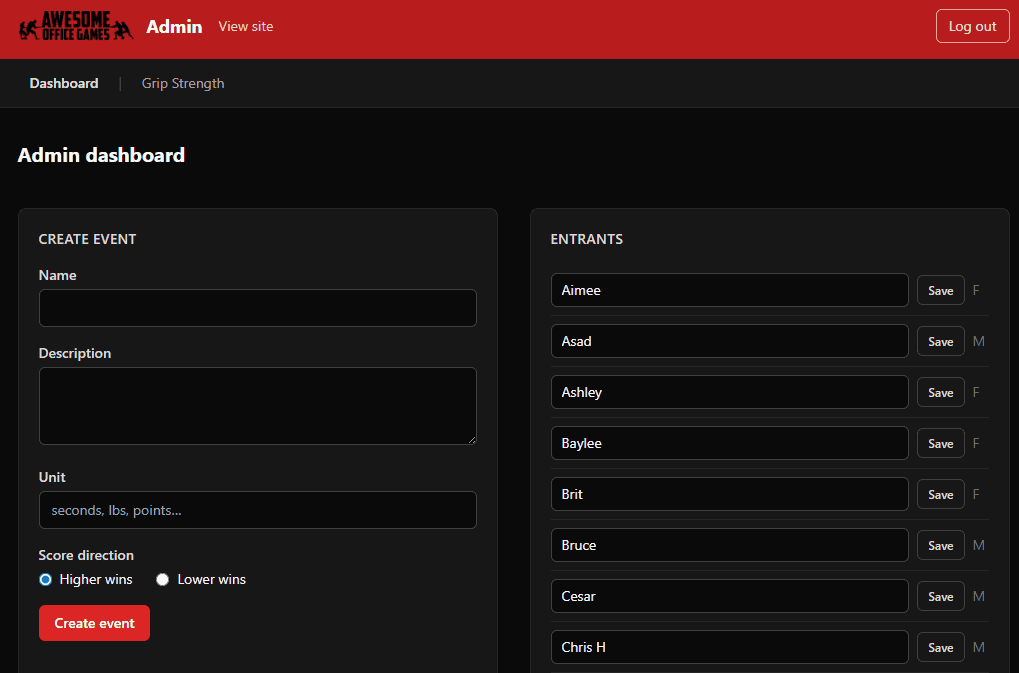
- A hidden admin dashboard where we can add events, enter people’s scores, and let the app automatically calculate who is winning.
The Toolkit
You don’t need to know how to code to build something like this anymore, but you do need to know what tools to tell the AI to use. Here is the basic setup:
- The Brain: Claude Code (an AI that runs on your computer and writes the files for you).
- The Frontend: Next.js and Tailwind (this just means a modern website that looks clean and works fast).
- The Database: Supabase (a free, easy-to-use place to save all our entrants and scores).
- The Hosting: Cloudflare (to put the site on the internet for free).
The Secret Sauce: How to Actually Manage the AI
If you are trying to get an app out of your head and onto the screen, do not write one giant prompt asking the AI to build the whole thing.
If you ask for the whole house at once, the AI will build something that looks like a house, but when you open the front door, the plumbing is connected to the ceiling fan. By the time you notice, it’s too tangled to fix.
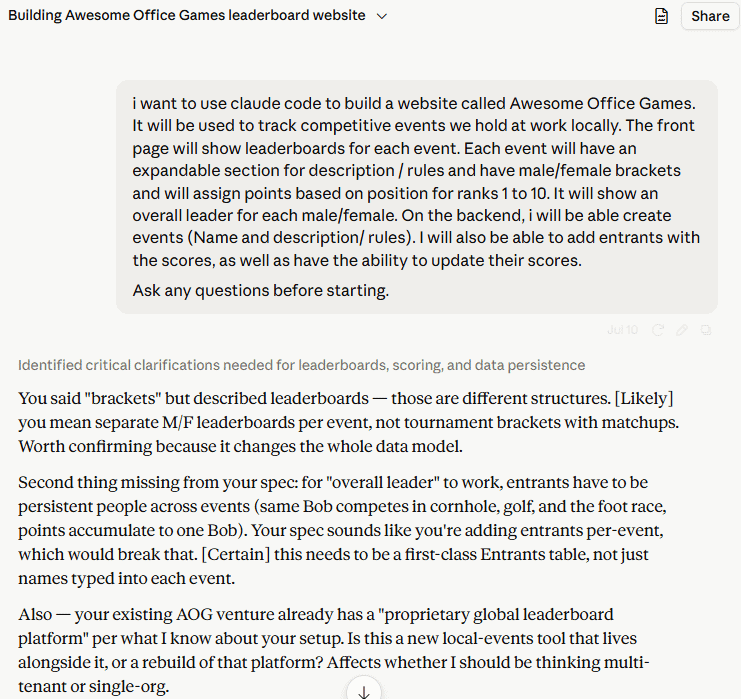
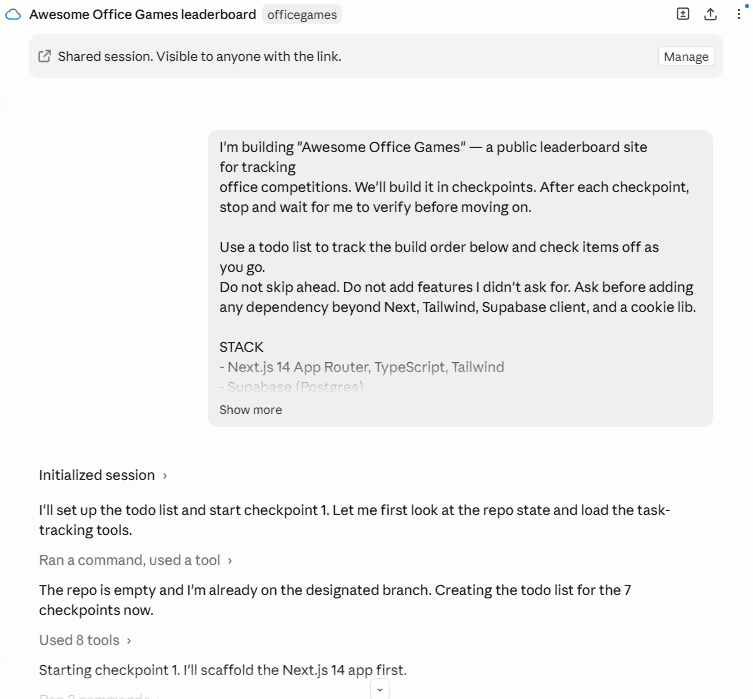
Instead, I used a strict checkpoint system. I gave Claude a master to-do list and forced it to stop after every single step so I could verify it worked.
- Step 1: Build the database tables. (Stop and let me check).
- Step 2: Write the math logic that calculates ties and assigns points. (Stop and let me run a test).
- Step 3: Build the public homepage with dummy data. (Stop and let me look at it).
- Step 4: Build the password screen for the admin area. (Stop and let me try logging in).
- Step 5: Build the forms to enter real scores. (Stop and let me try it).
Because I tested step 2 before step 3 was ever written, I knew the math was bulletproof before the AI started building pages that relied on it. This is the secret to rapid prototyping with AI.
The Snag: Getting it on the Internet
The only real headache we hit was when it was time to put the site live on Cloudflare.
- Claude initially tried to use an outdated deployment method.
- It caused the “backend” of our site (the part that saves the scores and checks the passwords) to crash because it was trying to run on the wrong type of engine.
- The fix: I told Claude to rip out the old method and use the modern Cloudflare adapter (OpenNext).
Once we made that swap, the site immediately worked online exactly how it worked on my computer. Note for builders: Always use the “preview” command to test how your site runs on the internet before actually publishing it.
The Finished Project
The final site is live right now at www.awesomeofficegames.com.
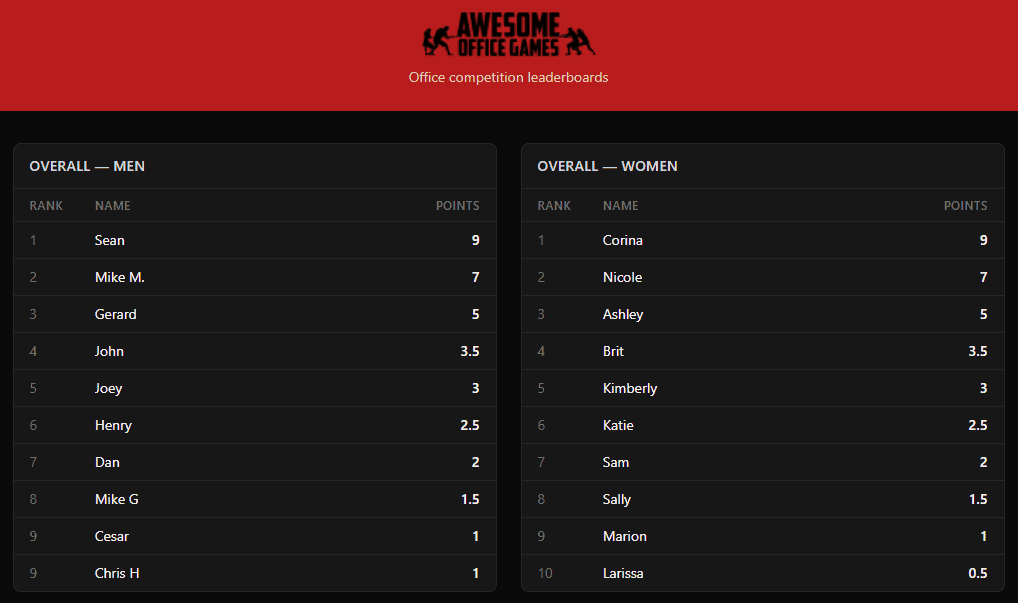
It’s fast, minimal, and does exactly what it needs to do. Because we built it in clean, logical chunks, it was incredibly easy to go back at the end and ask Claude to add a few polish features, like a navigation bar for the admin area and the ability to fix typos in people’s names without breaking the leaderboards.
If you’ve got an idea in your head, the tools are ready. Just remember to steer the ship one checkpoint at a time.